
Reminders

Avoid MisinformationThe Internet is full of unproven, misleading, and made-up health advice.
Remember to research the people behind your information. |
Use Reputable SourcesLook for information from government health agencies and well-known organizations.
Beware of sources that rely on anecdotes, and sources trying to sell a product. |

Cite Your SourcesWhen you present information, say where it came from. List all your sources (including picture sources) on a proper works cited page.
Also remember to use the permissions filter in Google images. |
Sample Advocacy Presentation

|
TweenTribune features twice-daily AP news articles adapted for four different Lexile levels, self-scoring quizzes customized by Lexile level, critical thinking questions, Español AP articles, weekly lesson plans, a weekly video, and a weekend "Monday Morning Ready" newsletter as prep for the week ahead.
PBS's online education resource, PBS Learning Media, is included in our MediaConnect subscription, but temper your expectations. Rather than showcase full-length PBS programs, it gravitates toward short clips and lesson plans. The interface is less overwhelming than some of the other sites, and you may find some useful clips from Ken Burns or NOVA, but overall this source is less expansive than the ones above.



Nonfiction ebooks
Username: ocmsls
Password: ocmsls
Password: ocmsls
Guides
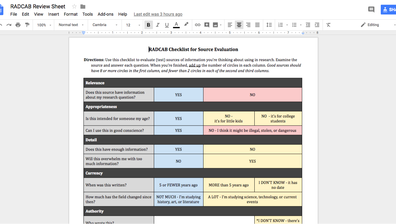
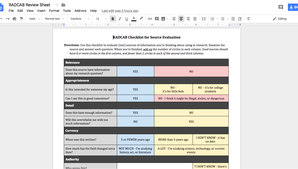
RADCAB Checklist
How to import database sources to NoodleTools
How to create and print an outline in NoodleTools
|
How to fill out the Scavenger Hunt Sheet
How to add Internet sources to NoodleTools
How to write a body paragraph using your NoodleTools outline.
|
How to start your NoodleTools project
How to search Opposing Viewpoints
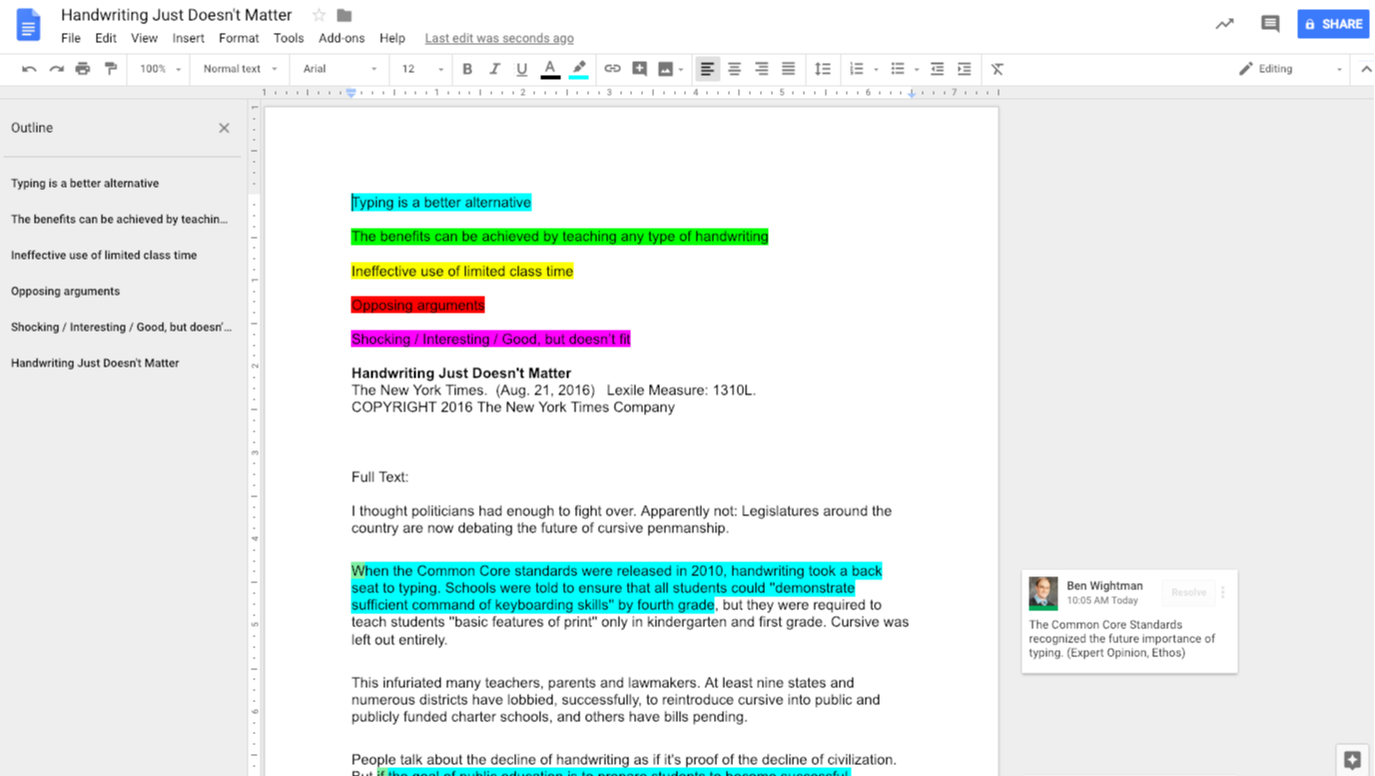
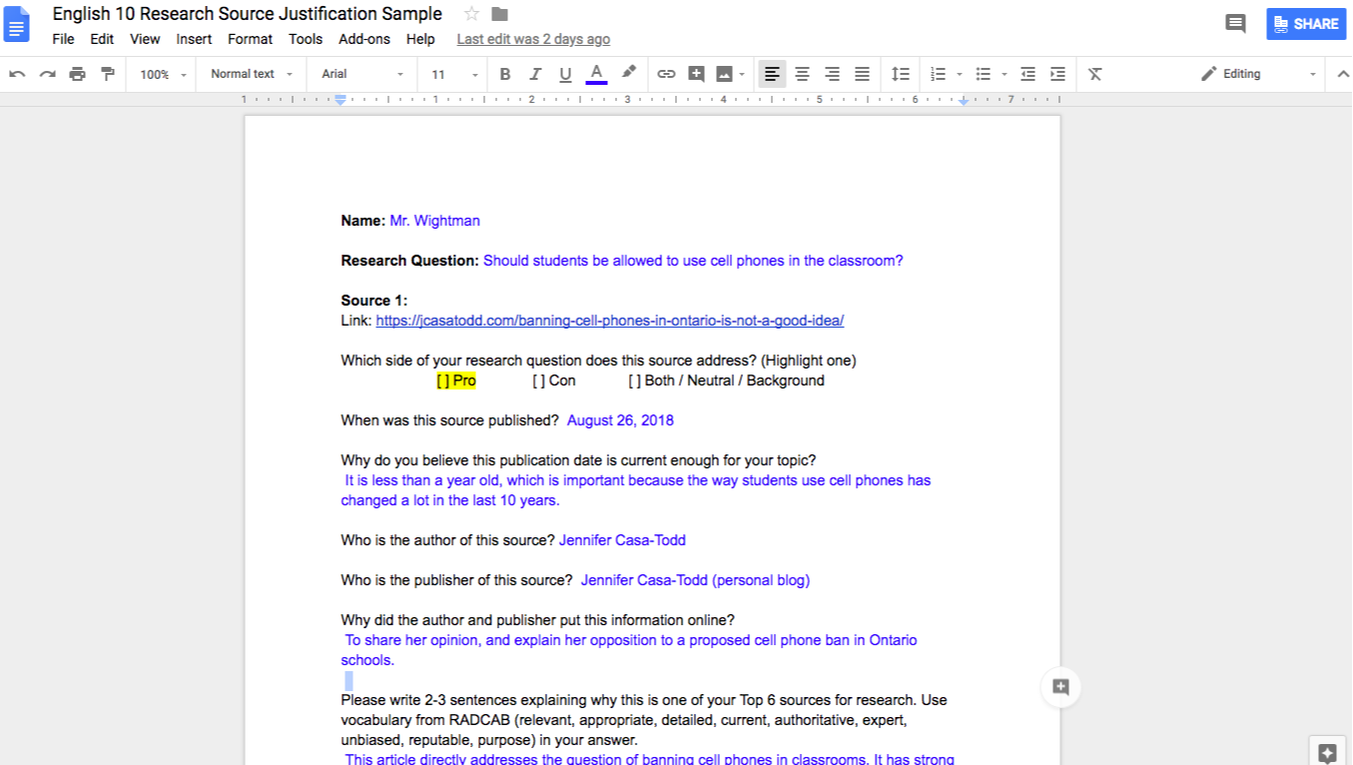
Note-taking sample and tips (one of Mr. Wightman's highlighted sources - See the others here)
|
|
Setting Up Your Video
|
Making Your Video
|
Turning In Your Video
|

|
|

|
|
|
|
Citing Sources
NoodleTools has citation templates, and step-by-step support for managing your sources. I like it because you can hover over options and get help when you are unsure what to do.
You may also use NoodleTools notecards to keep track of your notes, but you are not required to do so. |
If you prefer not to use NoodleTools, the Online Writing Lab from Purdue University has step-by-step instructions for setting up a works cited page and creating citations.
Follow the directions carefully if you choose this method. You will be responsible for small formatting details that NoodleTools handles automatically. |
Subject Databases
Visit the Resources by Subject page for a list of databases and websites relevant to specific classes and topics.
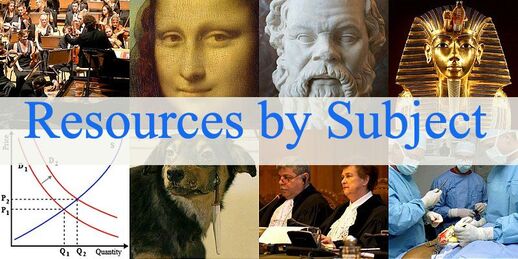
By Collective, CC BY-SA 3.0, https://commons.wikimedia.org/w/index.php?curid=62858409
|
|

Download free music tracks and sound effects.
Login with a personal YouTube account
(Unfortunately, YouTube Studio is disabled on school accounts)
(Unfortunately, YouTube Studio is disabled on school accounts)
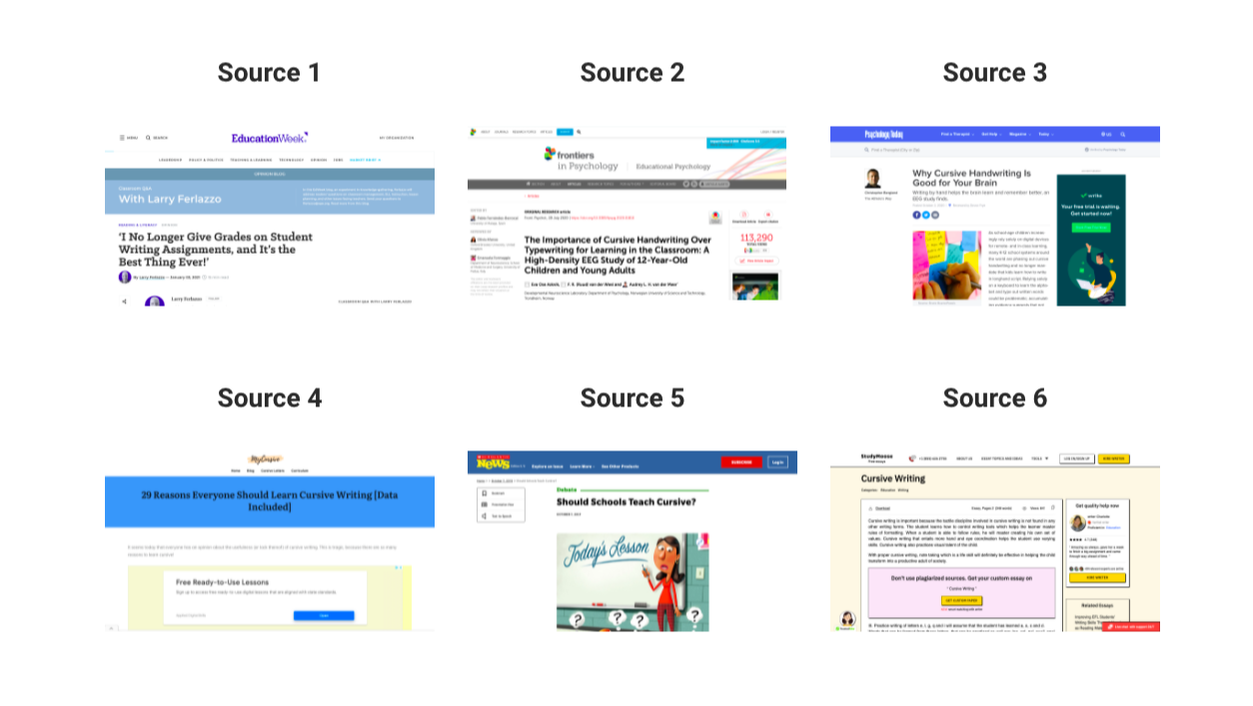
Source Evaluation

2020-2021 Procedures
|
|
Use this sheet to monitor which students have passes to the Library.
Students with bold names have passes to the library, but have not yet checked in. Students with regular names have checked in for their assigned period.
Students with bold names have passes to the library, but have not yet checked in. Students with regular names have checked in for their assigned period.

Use mediaCONNECT to stream media directly from sites like NBC Learn, Learn 360, and Discovery Education. Once you are logged in create resources list for media related to specific topics or units, then share the list with other teachers. Be sure to let me know if I can help you create your media lists!
|
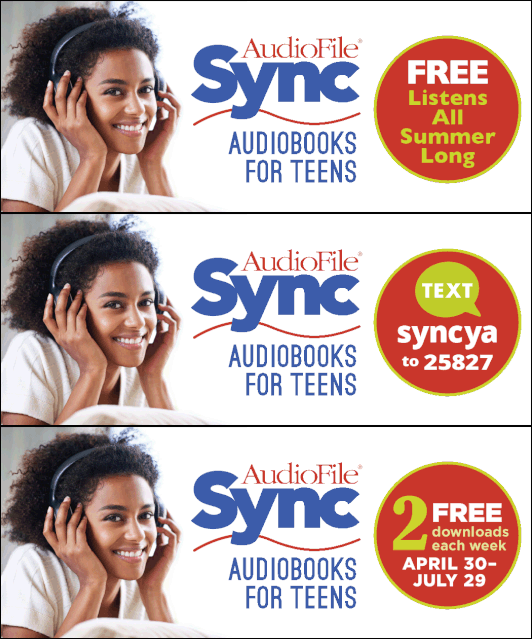
1. Register for Sync with your email at this site: https://www.audiobooksync.com/.
2. In the Sora app, open the menu in the top right and select "Add a public library" 3. Search for and add "AudiobookSYNC." 4. Sign in by entering the email address you used to register. |
Get Free Audiobooks This Summer
|

|

|


|
The library has purchased digital access to the New York Times for all staff and students. Click on the logo above to set up your account. See this guide for more instructions.
|
|
|
|
|

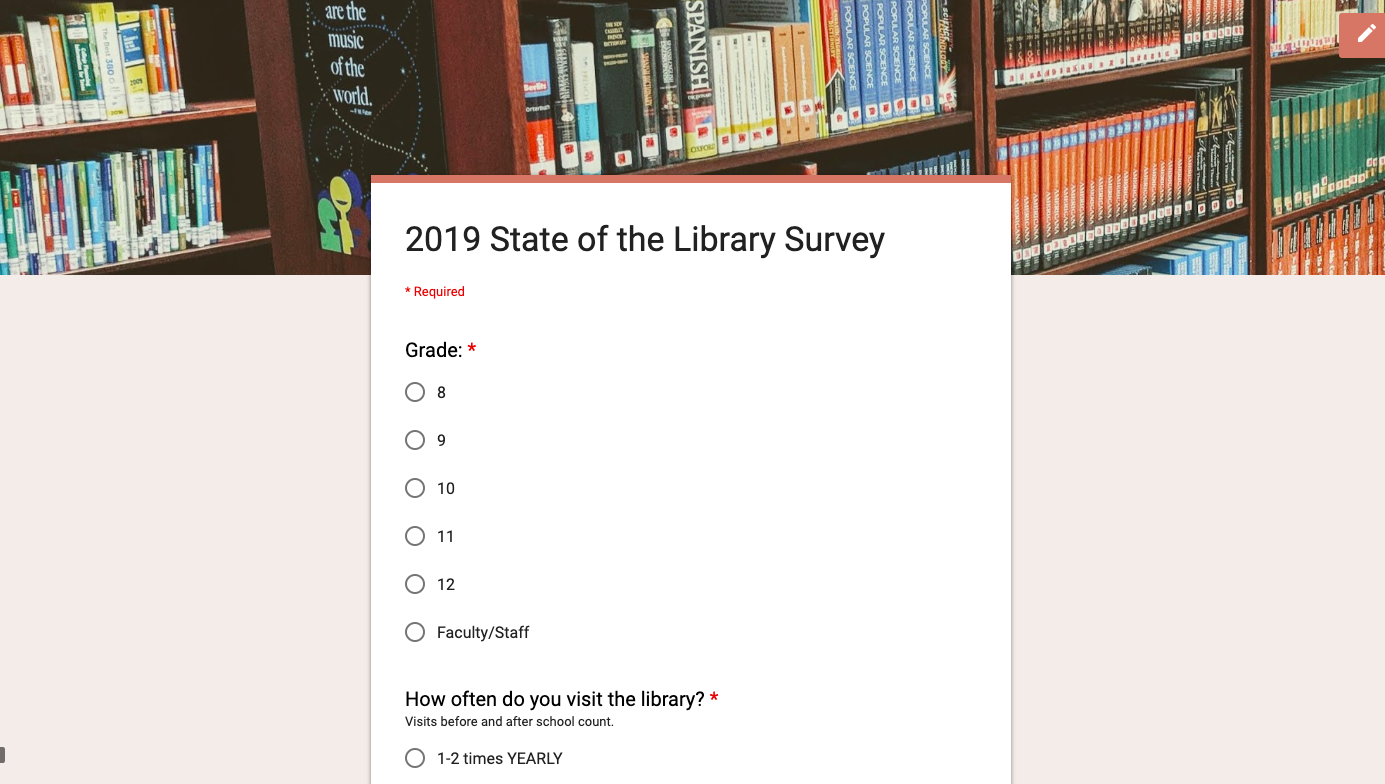
Library Magazine Survey |

Sign up for free access to Education Week Magazine
|




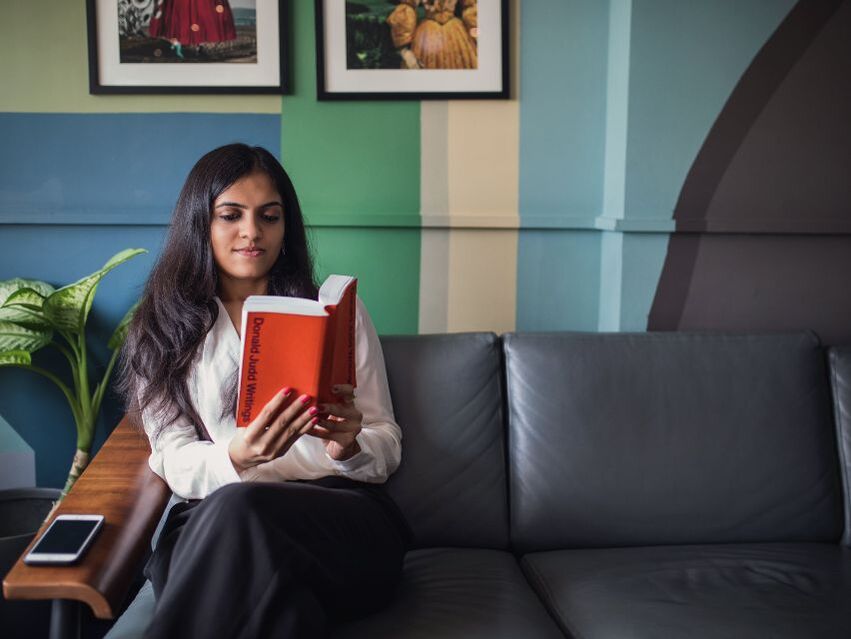
Library Media Center Mission Statement:
Library Hours:
Monday - Friday 7am - 3pm
Library Policies
Passes
- Students may obtain pre-signed passes to come to the library during lunch or study hall.
- To pick up a pre-signed pass:
- Come to the library in the morning or between periods. Passes will not be signed during a period.
- Write your name in an open spot on the Library Sign-In Sheet under the period(s) you want to come.
- Get a signed pass from Mr. Wightman or Mrs. Dewan.
- Use your pre-signed pass to sign out of lunch or study hall.
- Students must unbold their names on the Library Sign-In Sheet when they arrive for lunch or study hall.
- Students may spend the first part of their lunch period eating in the cafeteria before coming to the library. Students who have checked-in to the library may not return to the cafeteria for the second part of a lunch period.
- Students who wish to cancel a library pass must come to the library and delete their name from the sign-in sheet prior to the start of the period they were scheduled to come.
Borrowing
- Students may check out two books for pleasure. Students may check out additional items if they are needed for class use.
- Books are loaned for three weeks.
- Books may be renewed indefinitely as long as they are not on hold. You must have the book with you to renew.
- Overdue notices will be sent to homerooms.
Personal Devices:
- Students may use personal devices for reading, music, and schoolwork.
- Students must ask before using personal devices for any other purpose.
- At the beginning of each year, students must affirm their agreement to the personal device policy before using personal devices in the library.
Food:
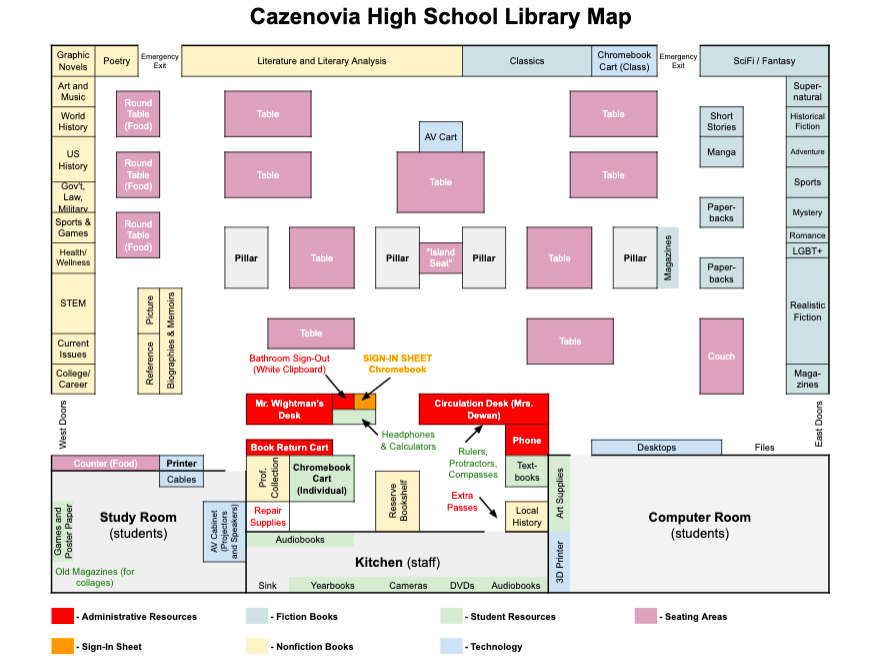
- Food is allowed at the tall tables and counter beside the west entrance. Food is not allowed anywhere else in the library. Students must move to designated areas to eat snacks. Lunch should be eaten in the cafeteria.
Classes:
- Classes have priority over lunch and study hall visitors.
- Contact Mr. Wightman directly to book the library for a class.

No login required. See Mr. Wightman if link is broken.
|

Username: [email protected]
Password: cazhs2018 |

Click on the logo and follow the instructions to set up your account. See this guide for more information.
|
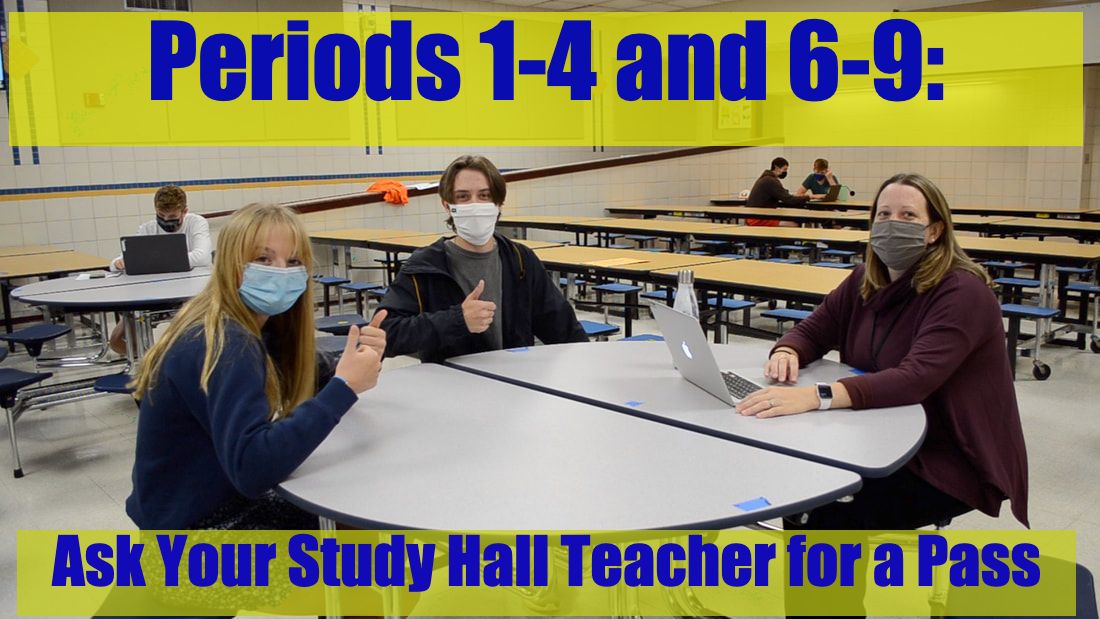
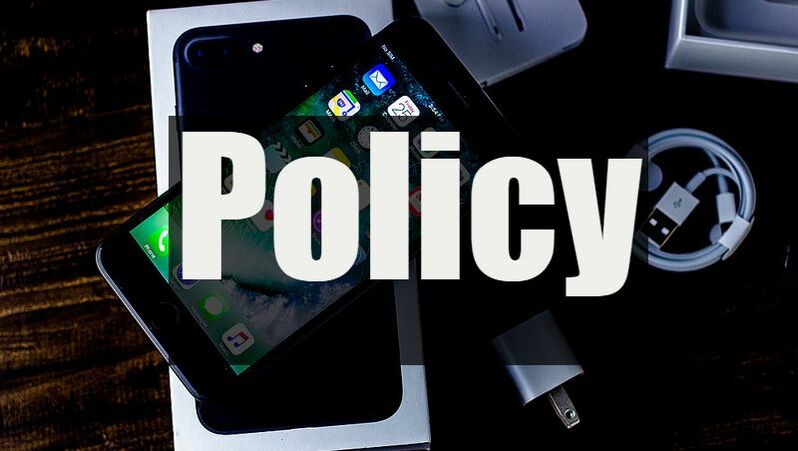
Please take a moment to review our study hall procedures and cell phone policy. You must sign the cell phone agreement before using your phone in the library.
|
|
|
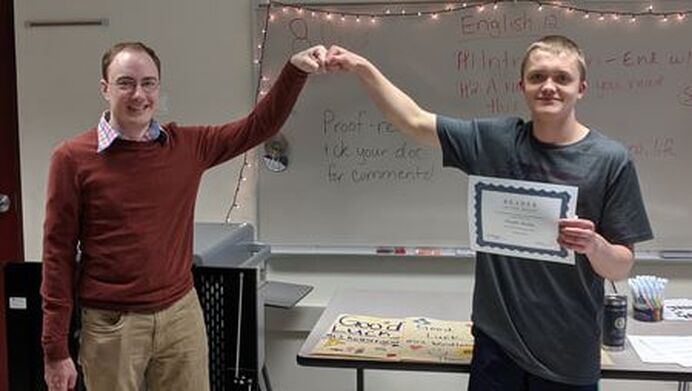
|
Congratulations Douglas Buckley
Reader of the Month
|

Search for media from all the other sources
Login with your Google account
Videos and other media on many topics
Login with your Google account
Stream full length films from major studios
Username: your email address
Password: Welcome1 (The last character in the password is the number one) |
Video clips & full-length programs
Login with your Google account

News clips from NBC networks
Login with your Google account
Basic science review videos
Username: cazenoviams
Password: flix |
Background videos on many topics
Login with your Google account

Videos and other media from PBS programs
Login with your Google account

Basic history review videos
Username: cazenoviams
Password: flix |